Describe a view. See it painted.
Landscape Art turns a sentence or a photo into scenery: mountains, coasts, forests, deserts and skies, in 48 styles from oil and watercolor to woodblock print.
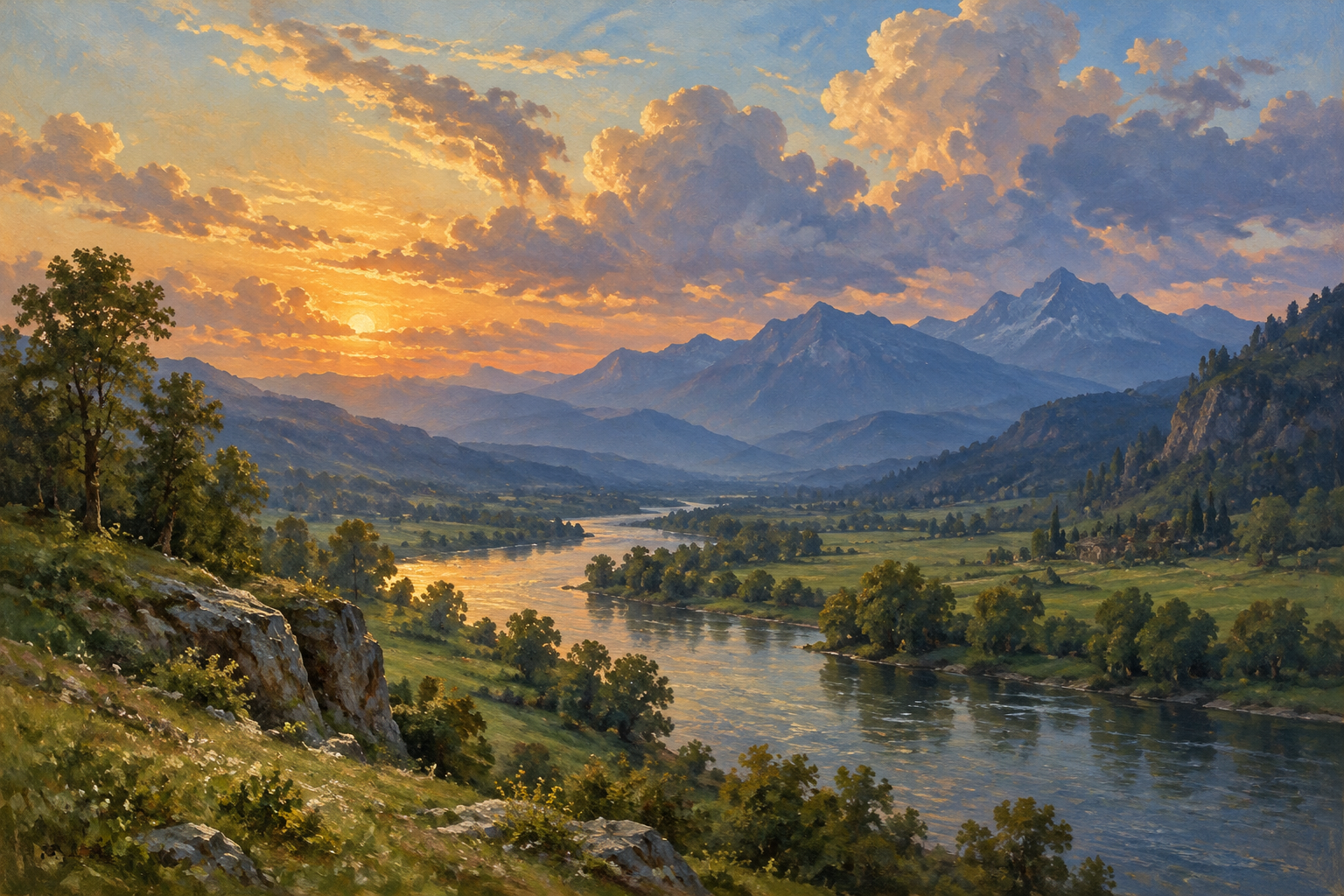
Pictured: Oil Painting, from the prompt “a river winding through a green valley toward distant blue mountains under towering evening clouds”. New accounts get 2 free credits; a standard image costs 1.
48 ways to paint a place
See all 48 stylesStyles cover mediums such as oil, gouache and charcoal, terrain from canyons to sea cliffs, and seasons and weather. Each one works with text prompts, photos and video.
Oil Painting
Rich layered oils on canvas
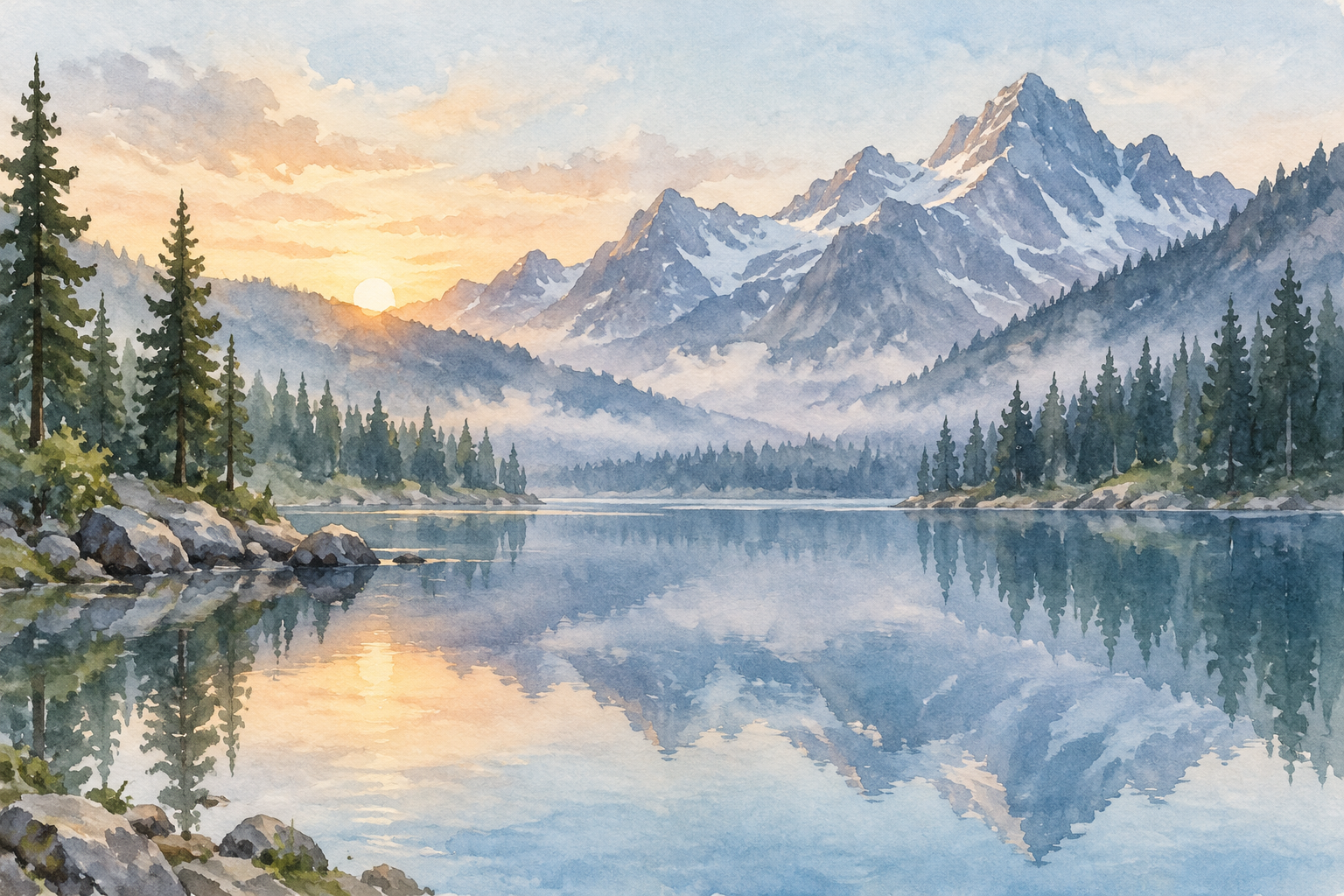
Watercolor
Soft washes and paper grain
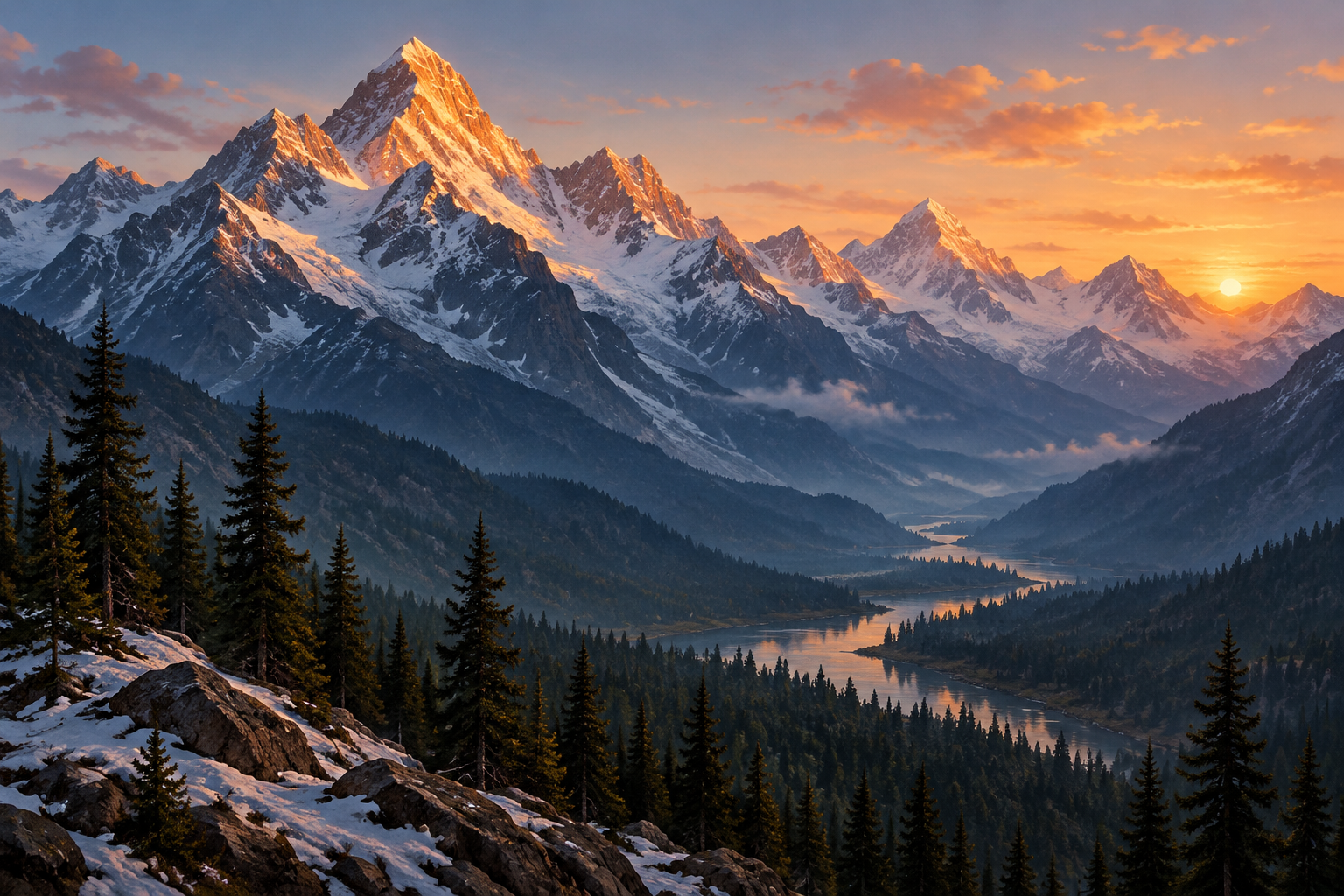
Mountain
Peaks, ridges and alpine light
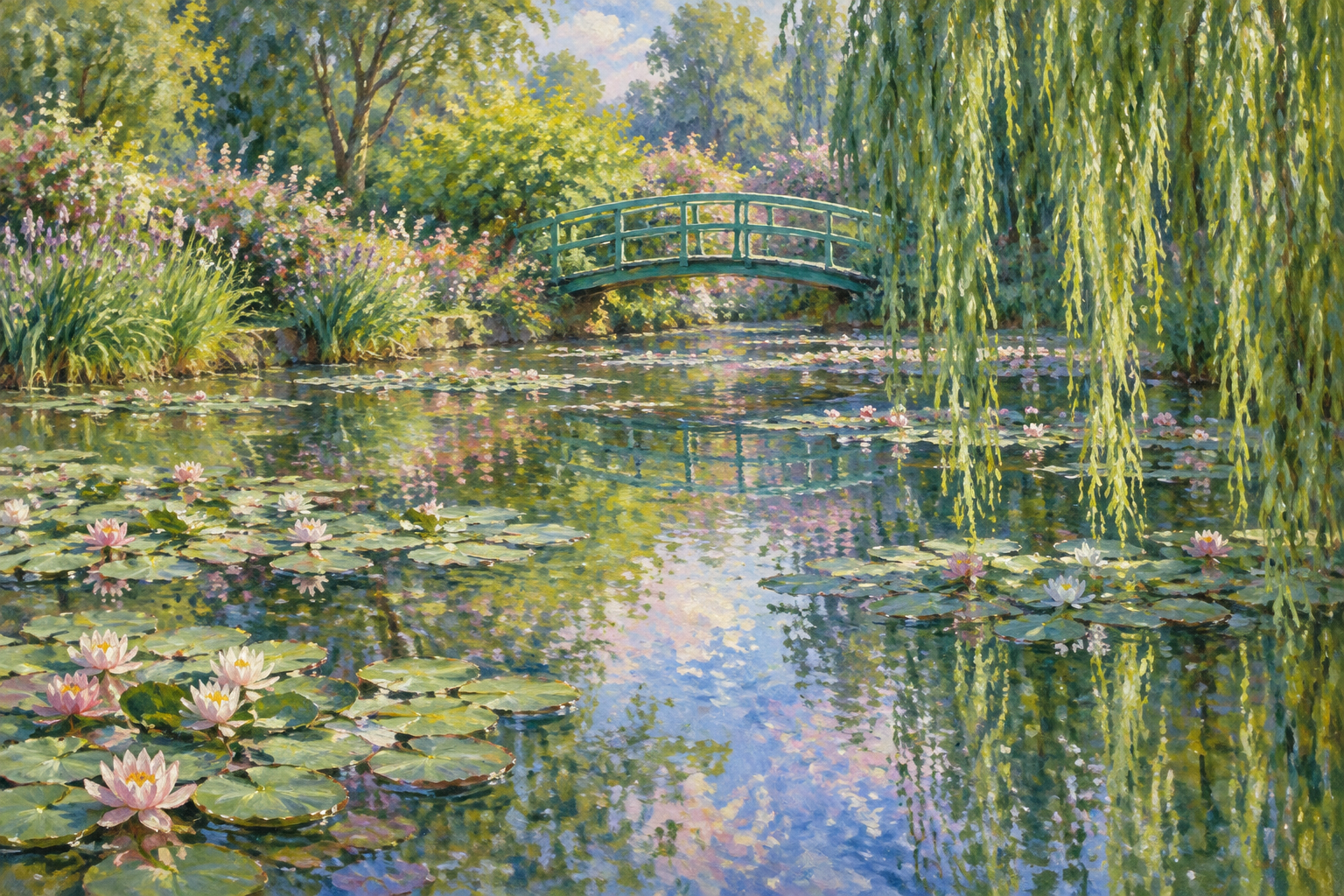
Impressionist
Broken colour, flickering light
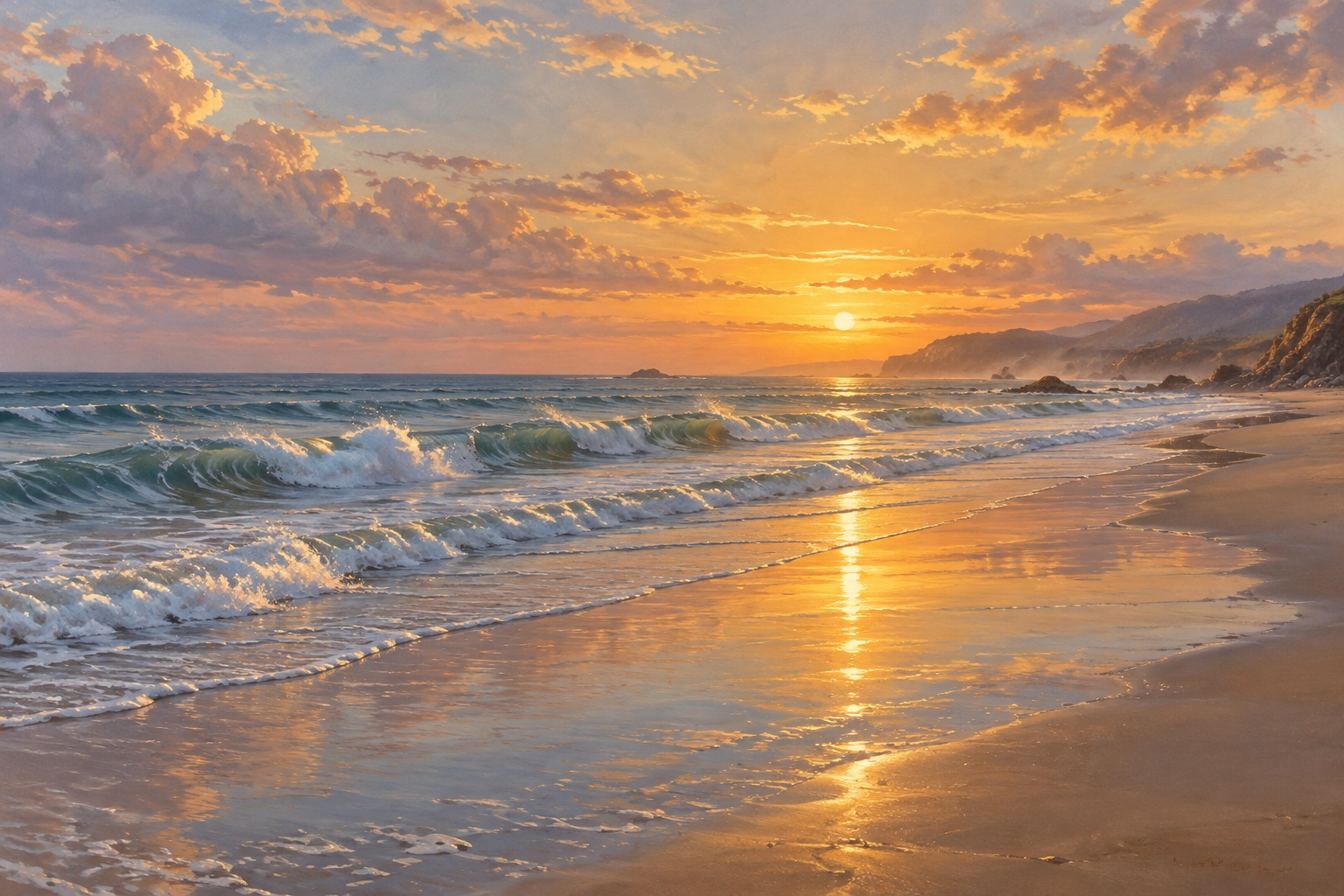
Seascape
Waves, shorelines and open water
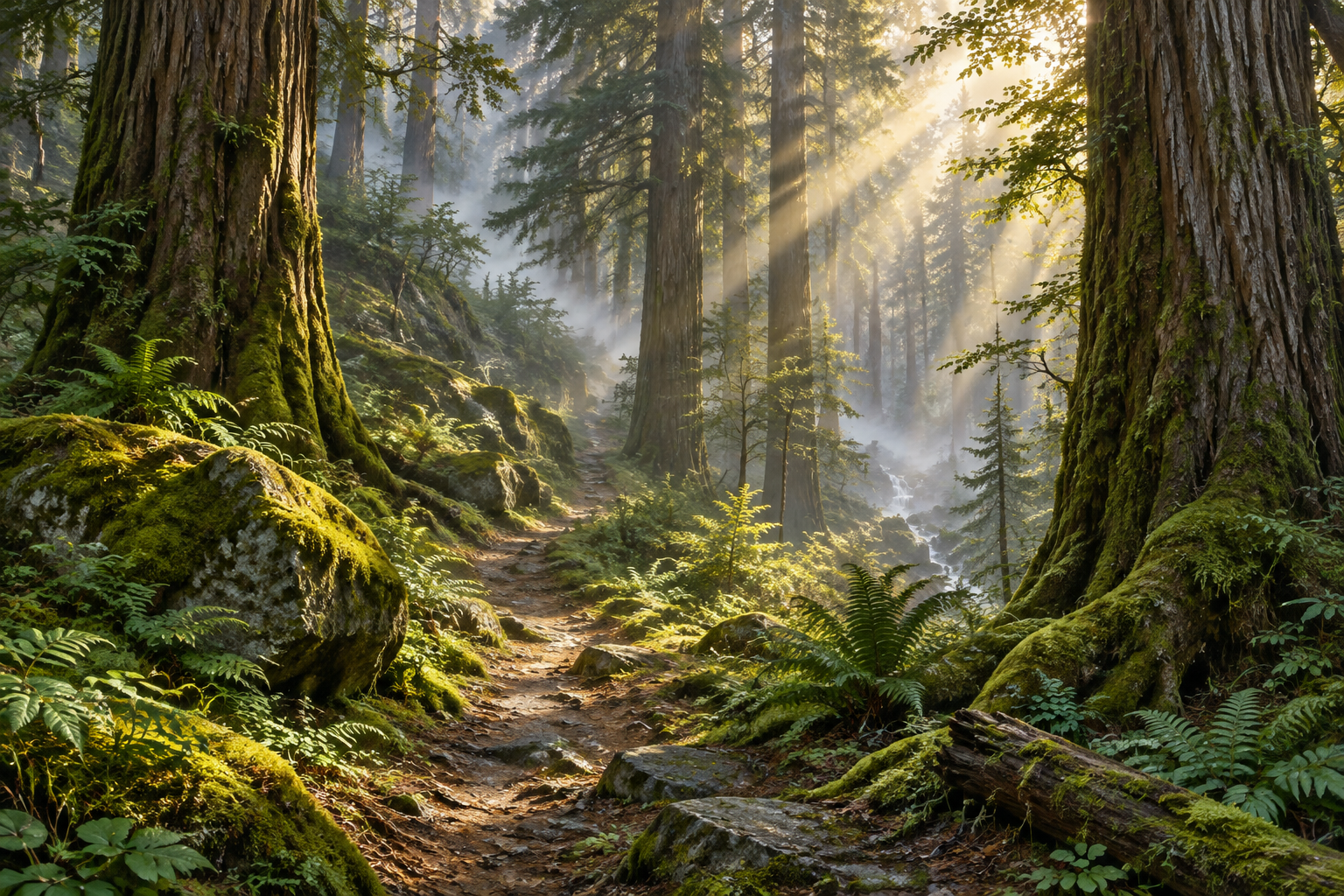
Forest
Woodland paths and filtered light
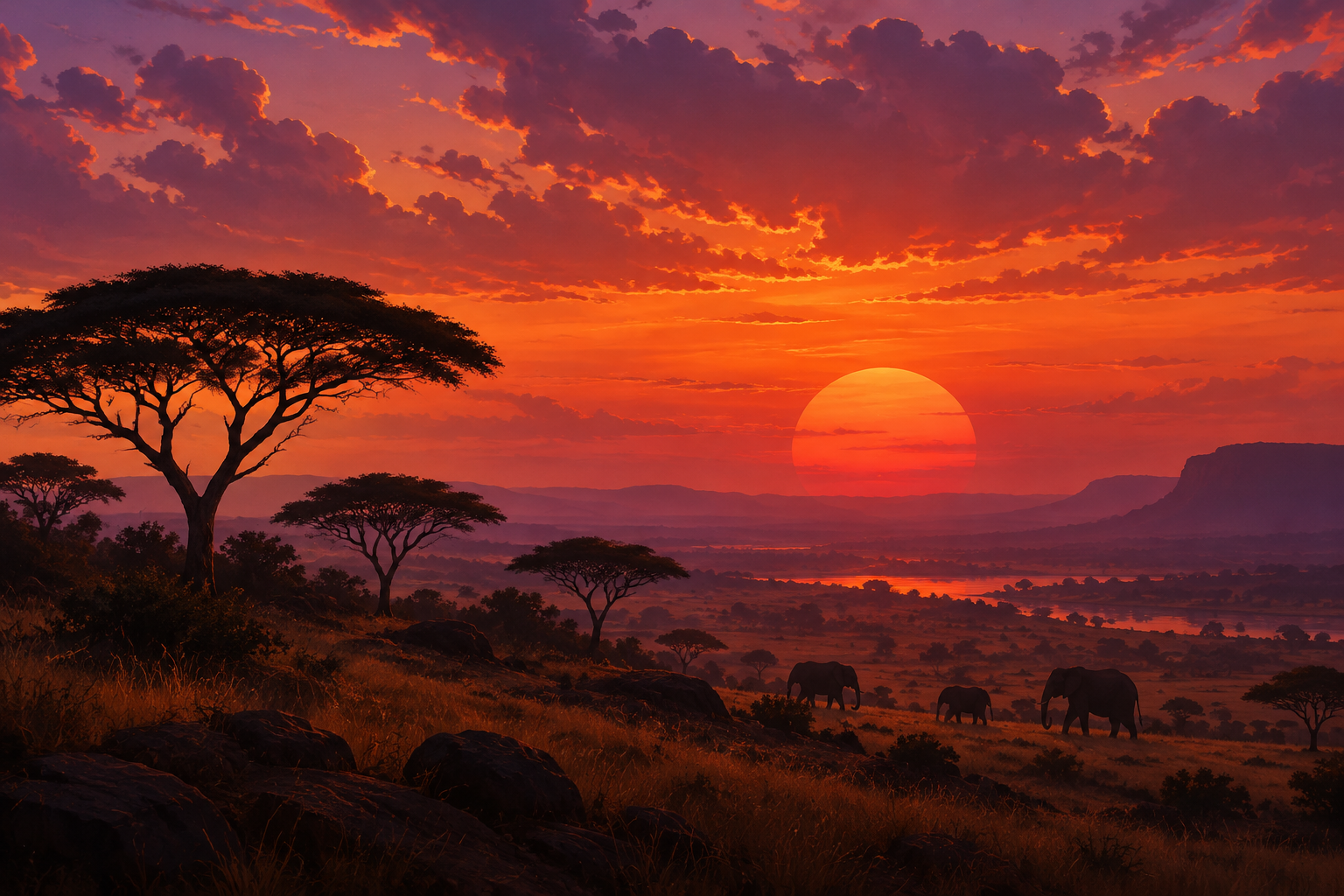
Sunset
Glowing skies at day's end
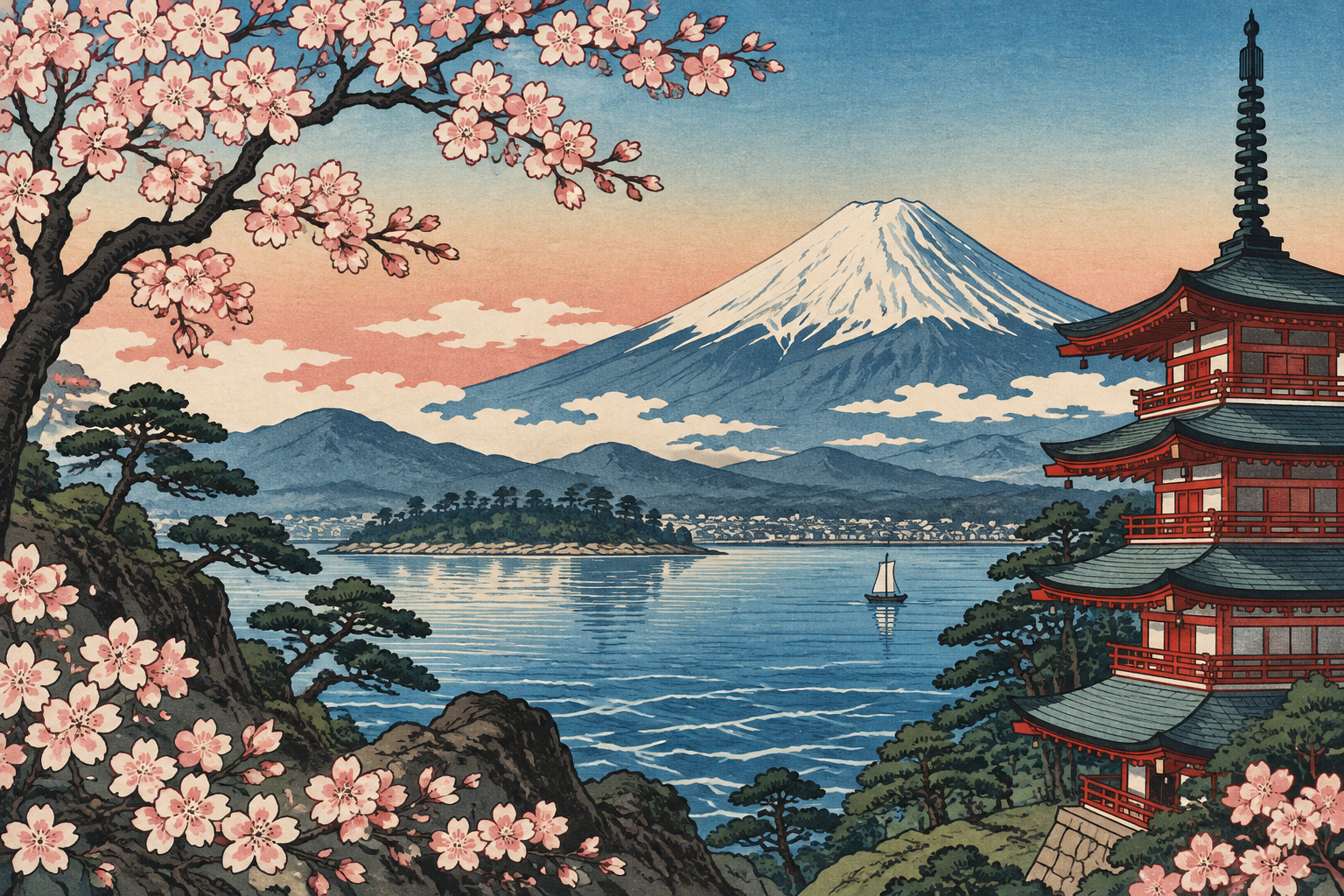
Woodblock Print
Flat colour, bold outlines
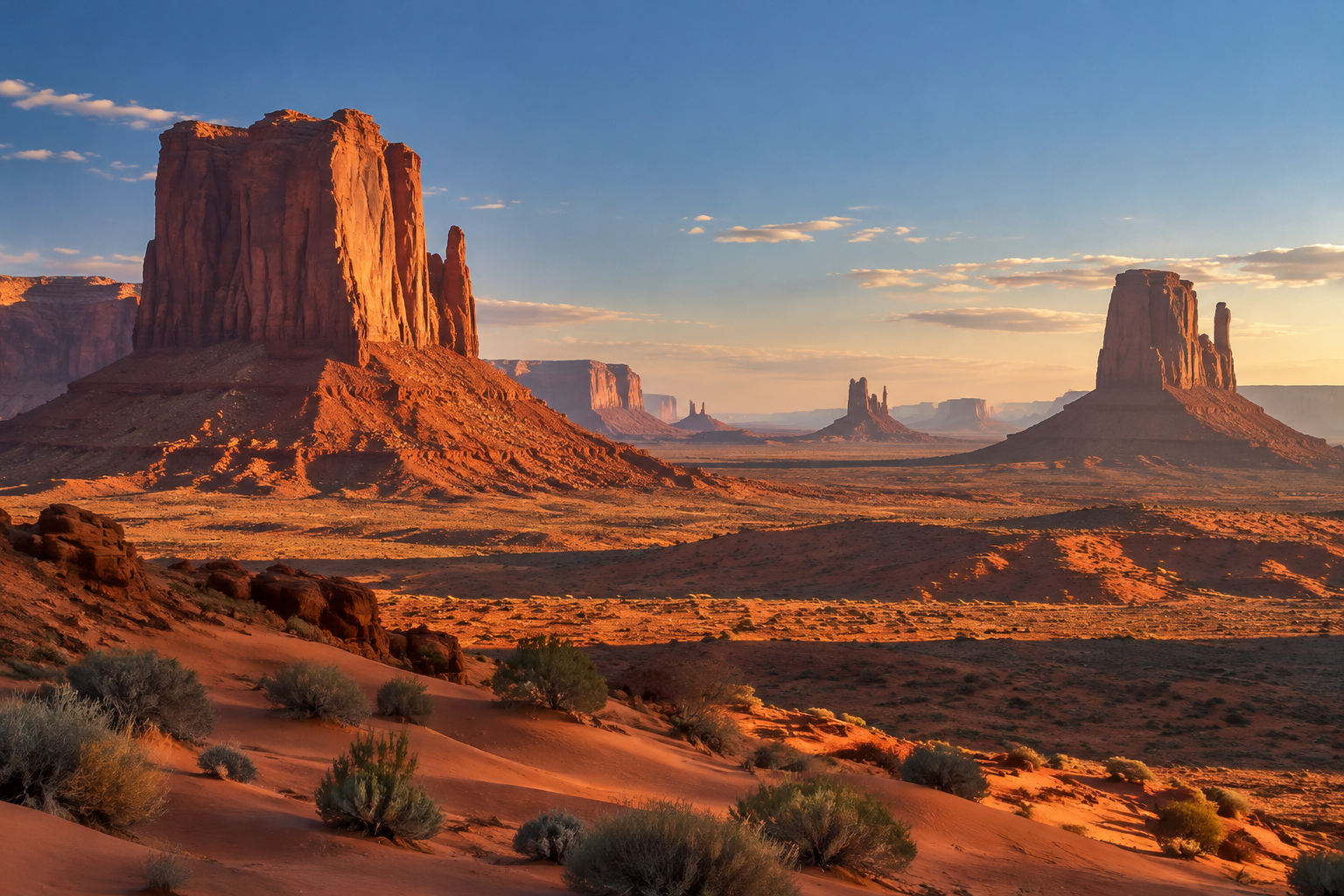
Desert
Dunes, mesas and dry light
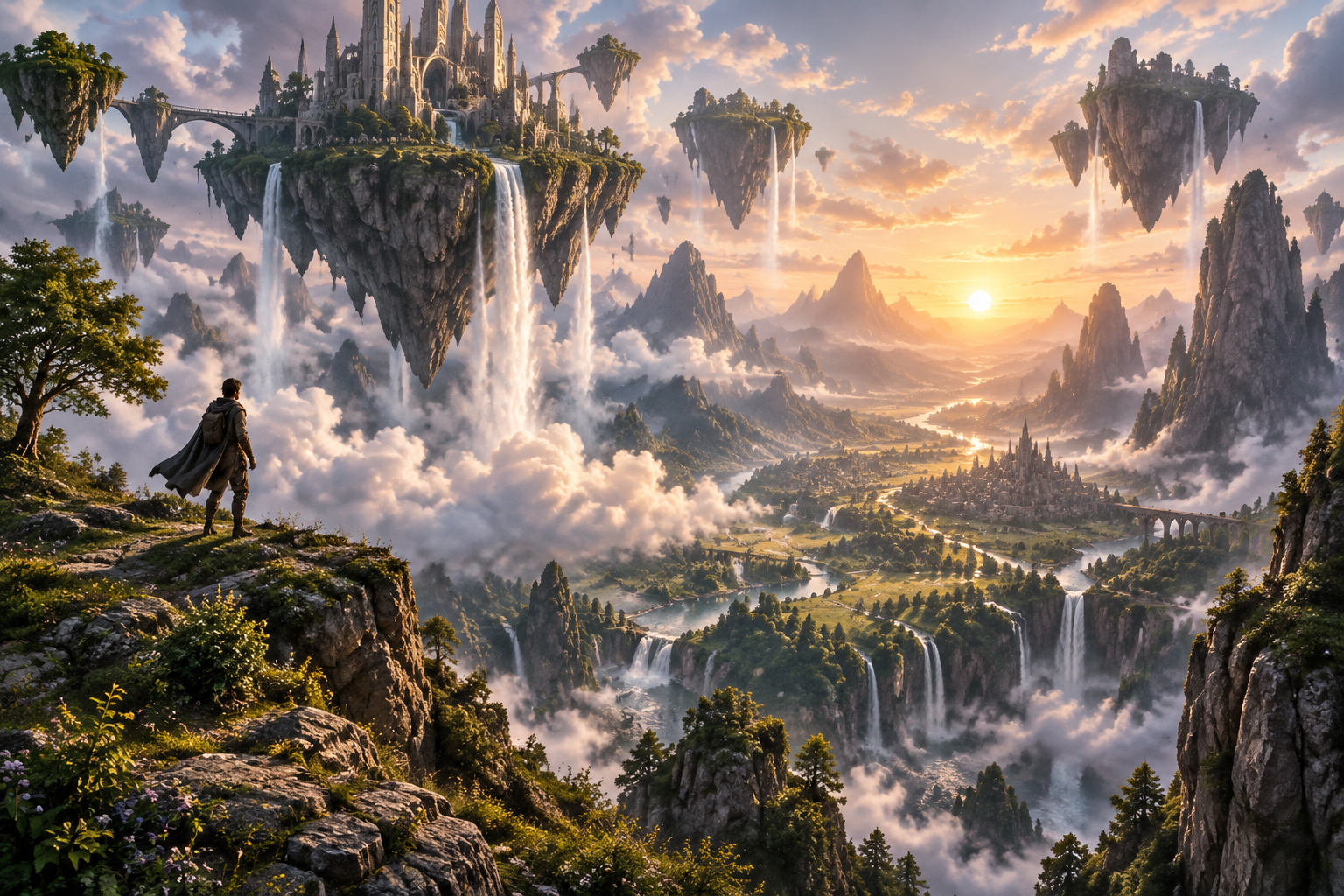
Fantasy
Imagined worlds, epic scale
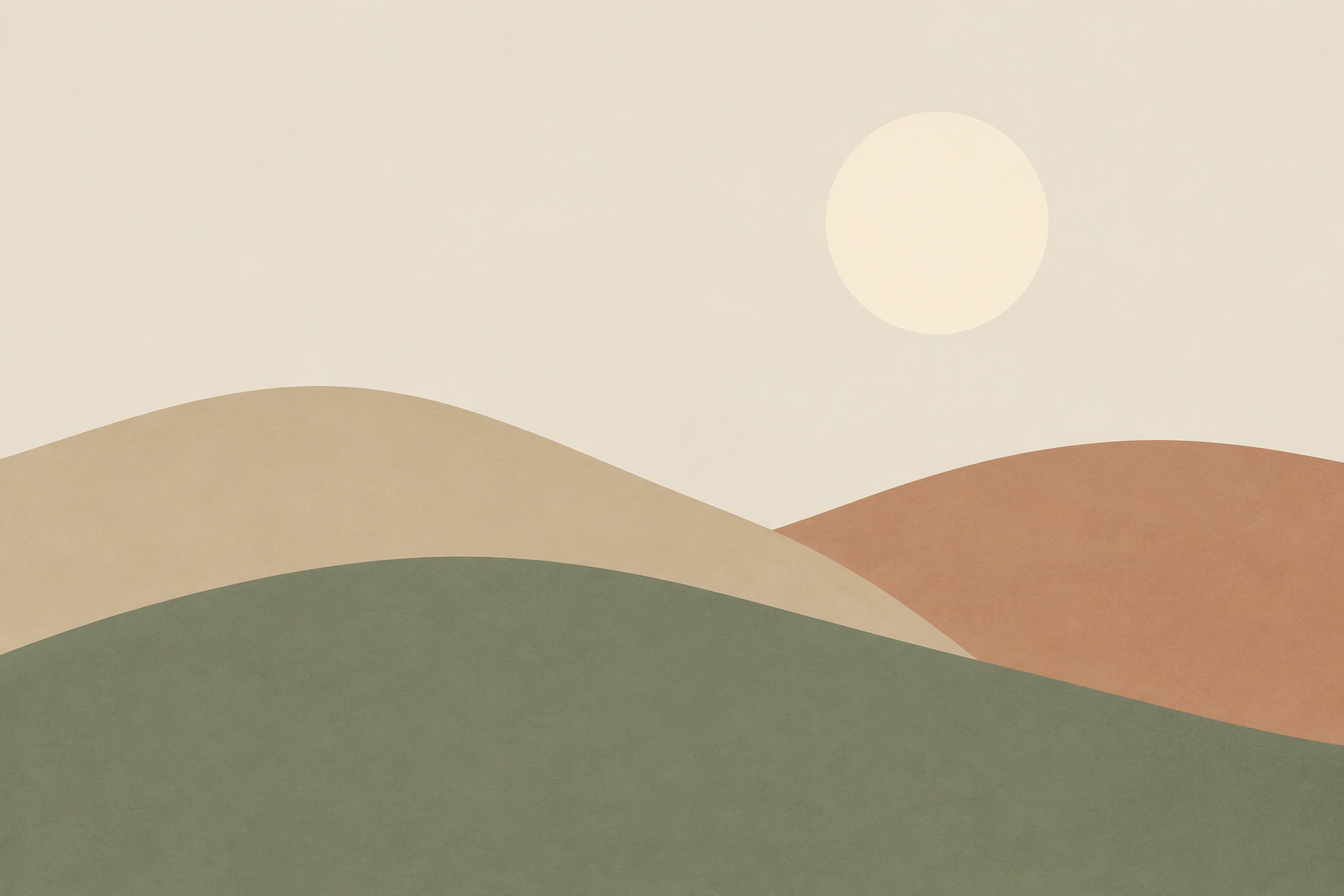
Minimalist
A few shapes, lots of calm
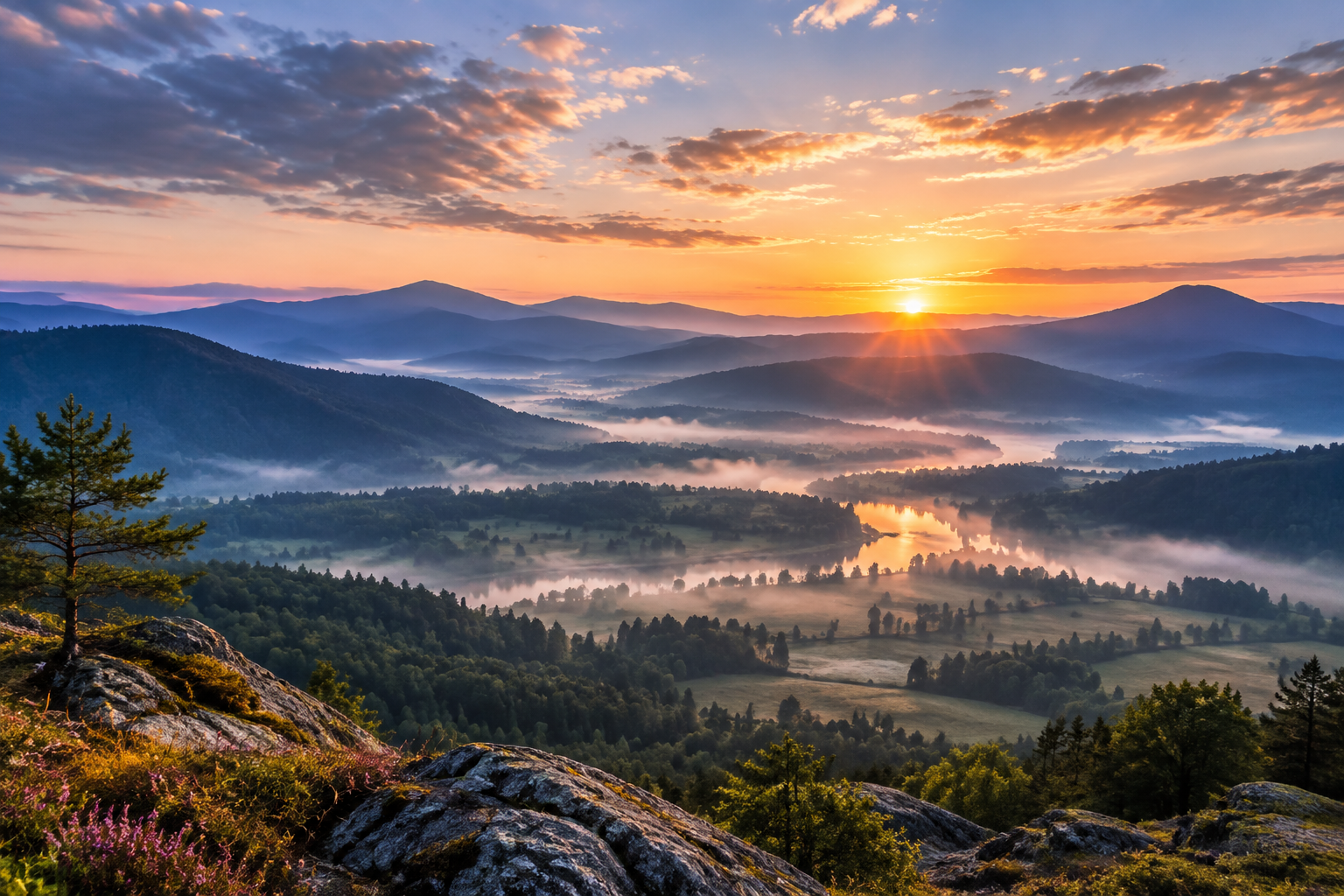
Wallpaper
Wide scenes for your screen
From the community gallery
Explore the galleryNothing here yet
You could make the first one.
Four ways to work
From a description
Write the terrain, the weather and the hour. Pick a style, or leave it off for a plain painted look.
Open the studioFrom your photo
Upload a picture of a real view and have it repainted in oil, watercolor, ink or any other style.
Upload a photoAs a short video
Clouds drift, water moves. Clips run 4 to 15 seconds at up to 1080p, with optional audio.
Make a videoThen edit and upscale
Change a result with a plain-English instruction, such as "make it dusk", and upscale it when you need more resolution.
Start creatingQuestions
The short version: sign in with Google, use your 2 free credits, and see whether you like what comes back.
Create a landscapeHow do I make landscape art here?
Type a description of a view, such as a foggy pine valley at sunrise, or upload a photo of a real place. Choose one of 48 styles if you want a particular medium or mood, then create. The result appears in your studio, where you can edit it with a written instruction, upscale it, or turn it into a short video.
What does it cost?
Signing in with Google gives a new account 2 free credits, and a standard image costs 1 credit. After that, the Creator plan is $9/month for 250 credits and Pro is $29/month for 1,000. One-time packs are $12 for 250 credits and $40 for 1,000.
Can I start from my own photo?
Yes. Open the photo tab, upload a picture of a view, and pick a style such as Oil Painting, Watercolor or Woodblock Print. The generator repaints the scene in that style, and you can follow up with text edits to change the light, season or weather.
Can I animate a landscape?
Yes. The video tab makes clips from a text prompt or from an artwork you have already created. Videos run from 4 to 15 seconds at up to 1080p, with optional audio.
Who owns the art I make?
You do. The details are in our Terms of Service. Copyright law for AI-generated work varies by country, and nothing here is legal advice.