Turn a photo into a landscape painting
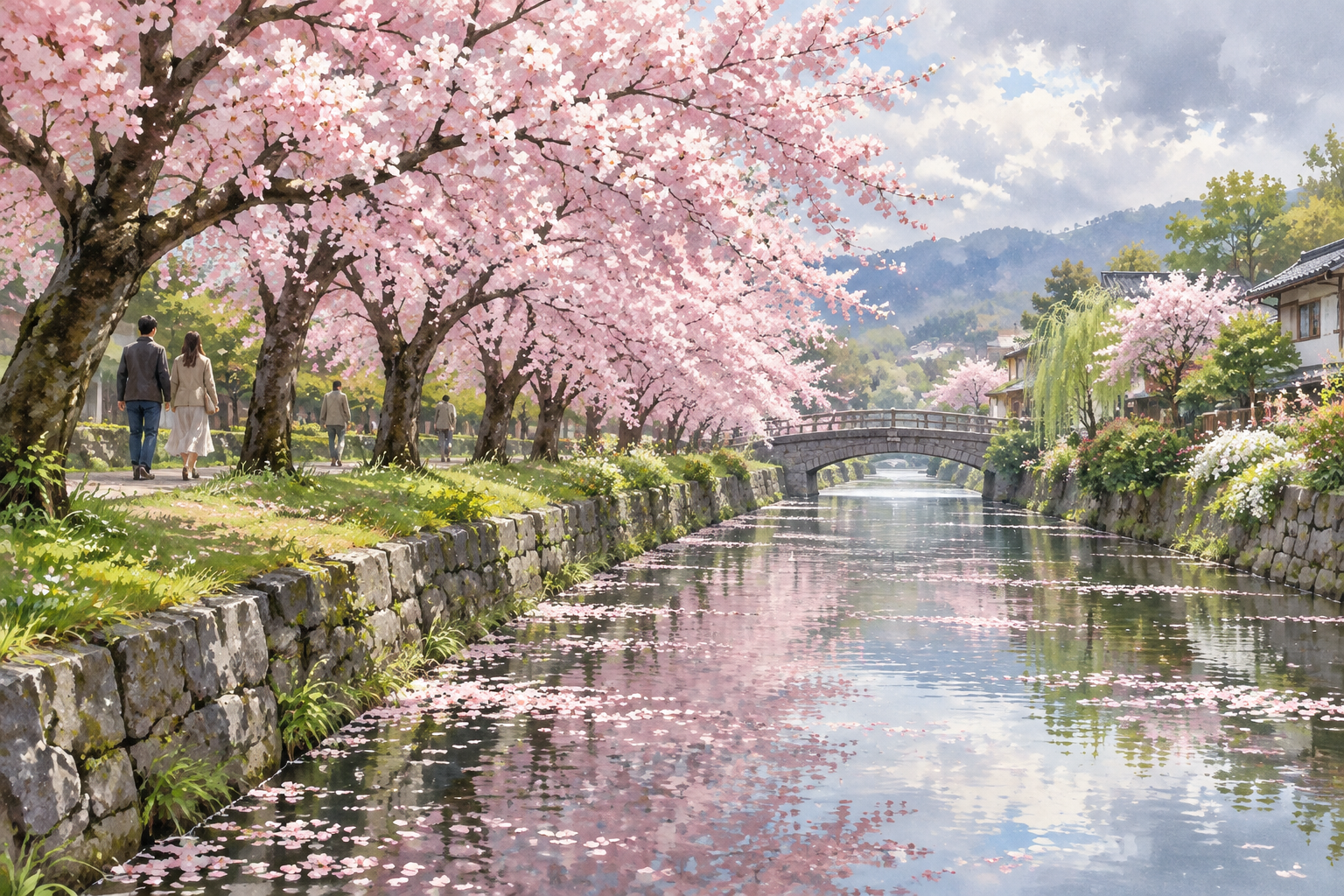
Start from a picture you took: a trail, a beach, the view from a window. Upload it, pick a medium, and the generator repaints the scene as landscape art. You can then adjust the result with a written instruction such as "make it sunset" or "add snow on the peaks".
Upload a photo2 free credits when you sign in with Google
How it works
Step 1
Upload your photo
Travel shots, hikes, gardens and skylines all work as a starting point.
Step 2
Pick a medium
Oil Painting and Watercolor are the classic choices; Woodblock Print and Linocut give a graphic result.
Step 3
Create and refine
Generate the painting, then describe any change you want in plain English.
What you get
- Works from phone photos of real places
- All 48 landscape styles are available for photos
- Follow up with text edits to change light, season or weather
- Upscale the finished painting for larger formats
From the community gallery
Explore the galleryNothing here yet
You could make the first one.